


It's easy to send photo postcards from an iPhone1
Take a picture
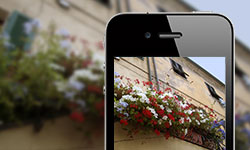
First create a new photo or select a saved one to use as the image for your postcard.
Enter some text

Next, enter the text (max. 17 lines) that will appear on the back of the postcard, for example holiday or birthday greetings.
Select a recipient

Finally, select a recipient from your address book or enter a name and address yourself. Pressing 'Send' prints the postcard and delivers it to the recipient's letterbox one to two days later.
1 Sending a photo postcard involves shipping and processing costs of 1,49 € if paid via PayPal or by direct debit or €2.50 if paid by credit card.